Generate, edit, and upscale stunning AI images and cinematic videos
Available on Pro, Max & pay-as-you-go • No credit card requiredCreate stunning images in seconds
Generate images from text, edit visuals in any style, and combine with professional voices, music, and sound effects to create complete multimedia content.
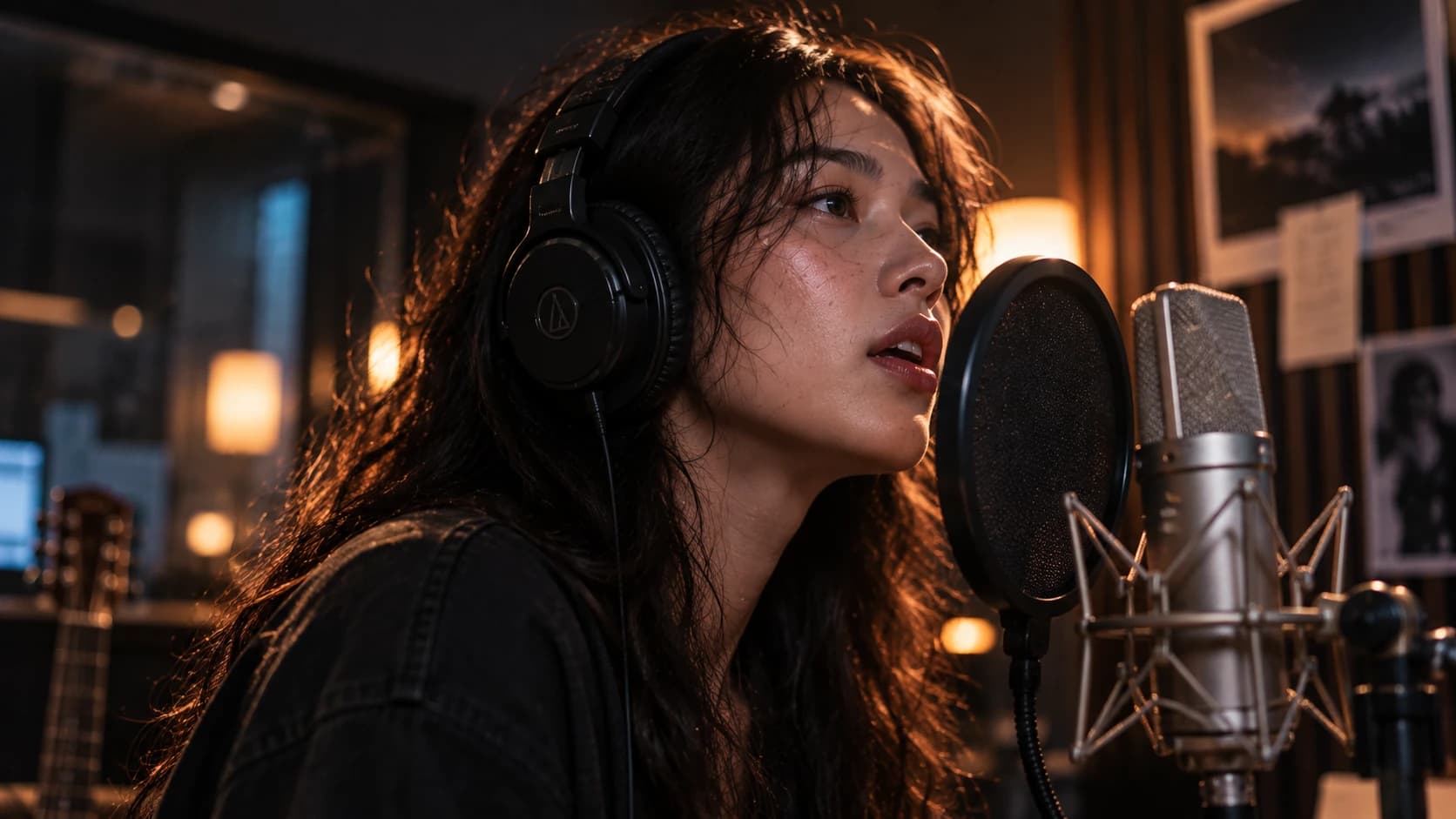
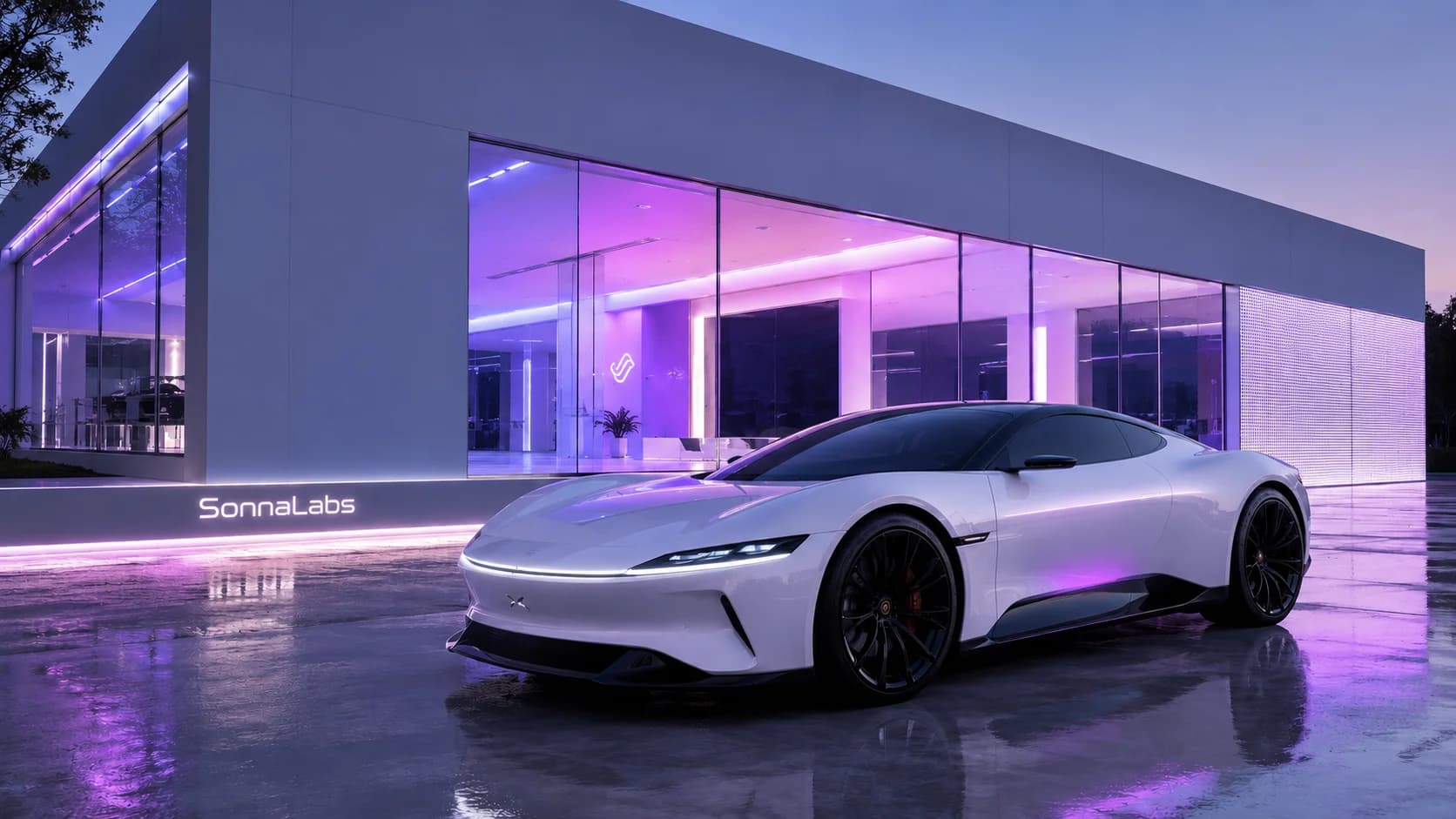
GPT Image 2 - SonnaLabs Concept
Create or edit any images
Generate, refine, or remix visuals in any style, from storyboards to thumbnails - all inside SonnaLabs.
Professional image editing
Refine images with prompt-based editing, upscale to 4K, generate variations, and iterate until perfect.
Top image models in one place
Access Nano Banana Pro, FLUX.2, Seedream, Wan, and more. All integrated in one workspace, no setup needed.
Frequently asked questions
SonnaLabs provides access to industry-leading image models including FLUX.2 Pro, FLUX 1 Kontext, Nano Banana Pro, Grok Image, Qwen Image, and Seedream 5 Lite. We also integrate Topaz Image Upscale for enhancing details and upscaling to 4K.
You can generate high-fidelity images from text prompts (Text-to-Image), edit existing visuals (Image-to-Image), upscale media to 4K with Topaz tools, and generate highly realistic videos using models like Google Veo 3.1, Kling 3.0, and Seedance 2.0. You can also create lip-synced videos with our AI Avatar capabilities.
For image editing and upscaling, we support standard formats including JPG, PNG, and WEBP. For video and audio inputs (such as for AI Avatars or lip-syncing), we support MP4 and MOV for video, and MP3 or WAV for audio files.
You can easily add voices using our InfiniteTalk LipSync and Kling AI Avatar tools. Simply upload a portrait photo along with an audio track—which you can generate directly from SonnaLabs' Text-to-Speech tool—and the model will animate the photo with accurate lip-syncing to match the spoken words.
Yes! By using the InfiniteTalk LipSync or Kling AI Avatar models within the video tab, you can turn any clear portrait photo into a realistic talking photo, complete with natural facial expressions and synchronized audio.
No. Image and video generation use premium models, available with a Pro or Max plan or pay-as-you-go credits. The free plan's 10,000 monthly credits cover Google Text to Speech voices (Neural2 and Wavenet) only.
Explore Visual Generation Options
Cinematic Video Generation
Generate cinematic AI videos from text or images. Use Google Veo 3.1 (Quality, Fast, and Lite tiers) for descriptive scenes, and Kling AI (3.0 & 2.6) for precise character motion control.
Photorealistic Images
Produce detailed graphics and illustrations. Powered by FLUX.2 Pro and FLUX 1 Kontext for text rendering and realism, and Grok Image for imaginative concepts.
Talking Avatars & Lip Sync
Animate static portraits with speech tracks. Synchronize audio to human avatars effortlessly using InfiniteTalk and Kling AI Avatar for videos and presentations.
AI Enhancing & Editing
Restore, remaster, and upscale graphics. Use Topaz Image Upscale (up to 8X factor) and Topaz Video Upscale to clean noise and enhance visual files to crisp 4K quality.